The Best Call Center Software Platforms
The best call center software platform depends on what your team actually needs to manage every day. The platforms below are some of the most recognized options in the market and cover a wide range of use cases across inbound support, outbound sales, and blended operations.
- ActiveCalls
- Five9
- Genesys Cloud
- NICE CXone
- RingCentral Contact Center
- Talkdesk
- Dialpad
1. ActiveCalls
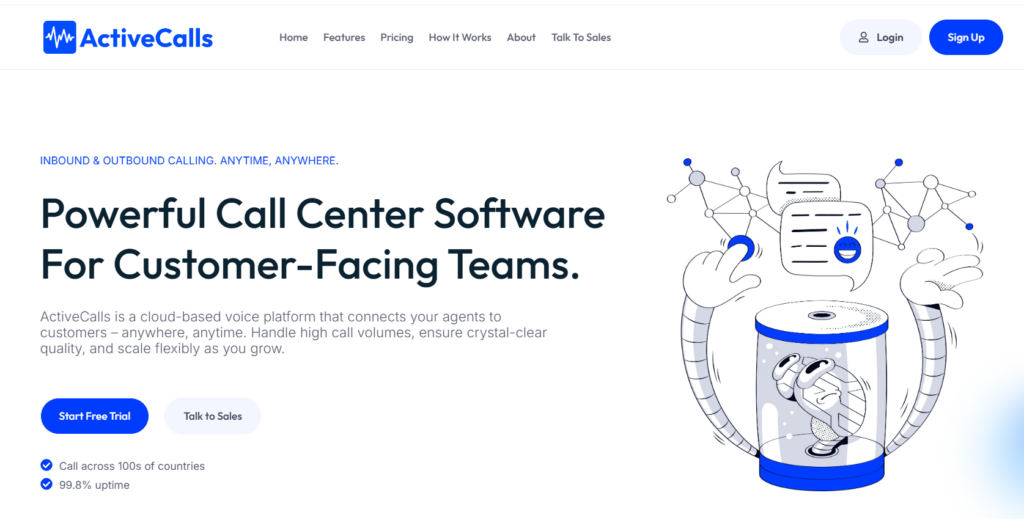
ActiveCalls is a cloud-based call center platform built for customer-facing teams that need to manage inbound and outbound calling from one system. Its positioning is centered on handling high call volumes, supporting remote or distributed agents, and giving teams access to routing, supervision, analytics, and browser-based calling without relying on traditional on-premise phone infrastructure.
Main Features
- Inbound and outbound calling for customer-facing teams
- Auto-attendant IVR and call queues for routing incoming calls more efficiently
- Call forwarding, call transfer, and call screening tools for day-to-day call handling
- WebRTC calling and a softphone app for browser-based and remote access
- Real-time analytics, call detail records, and performance monitoring for operational visibility
- Call recording with secure storage options for training and compliance workflows
- Supervisor tools for real-time monitoring and call coaching
- Scalable channel capacity and local or ported numbers for growing teams
- 24/7 global support via phone or email on higher-tier plans
Best For
ActiveCalls is a strong fit for sales and support teams that need more structure than a basic business phone system can provide, especially if they rely on queues, routing, remote access, supervisor visibility, and analytics.
It is well-suited for SMB and mid-market teams that want a voice-focused platform with practical call center functionality and outstanding customer support.
Pricing
ActiveCalls has three pricing tiers: The Basic plan starts at $29 per user per month, the Standard plan at $59 per user per month, and the Enterprise plan at $119 per user per month.
Pros and Cons
| Pros | Cons |
|---|---|
| Transparent public pricing makes early comparison easier | Public site information is more voice-focused than omnichannel-focused |
| Supports both inbound and outbound calling | Publicly visible integration details are fairly high-level on the main site |
| Includes IVR, queues, analytics, recording, and supervisor tools | Buyers looking for highly specialized enterprise workforce management features may need deeper evaluation based on demo discussions rather than public site detail alone |
| Browser-based WebRTC and softphone access are useful for remote teams | |
| Positioning is practical and relatively straightforward for SMB to mid-market buyers |
CRM Integrations
ActiveCalls integrates with most CRMs on the market, including Salesforce, Zendesk, ServiceNow, Microsoft 365, Google Workspace, Zoho, and Microsoft Dynamics.
Reviews
The performance monitoring tools from ActiveCalls have provided insights we didn’t even know we needed. Tweaking our scripts and training agents based on data has led to measurable improvements in customer satisfaction. Priya M. – Customer Support Lead
We switched to ActiveCalls after struggling with outdated phone systems, and the difference is night and day. The uptime is impeccable, and the crystal-clear call quality gives us confidence in every conversation. Rachek K. – Head Of Sales
2. Five9
Five9 is a cloud contact center platform designed for organizations that need a broader set of capabilities across inbound, outbound, blended, and omnichannel customer operations. Its current positioning leans heavily into enterprise-grade CX, AI-assisted workflows, workforce engagement, automation, and CRM-connected service and sales environments, making it a common choice for larger teams with more complex requirements.
Main Features
- Inbound, outbound, and blended contact center functionality for a wide range of customer-facing workflows.
- Omnichannel support for voice, chat, email, SMS, and social messaging.
- Dialer tools and outbound campaign capabilities for sales and proactive outreach teams.
- Agent desktop and supervisor tools for managing performance and day-to-day operations.
- Reporting, analytics, interaction analytics, and performance dashboards for operational visibility.
- Quality management and workforce management options for larger or more structured teams.
- Workflow automation and API or SDK support for teams that need deeper customization and connected journeys.
- AI capabilities such as live transcription, AI summaries, AI insights, AI agent assist, and AI knowledge features.
- Geo redundancy, recording, and 24/7 support across its solution bundles.
Best For
Five9 is best for mid-market and enterprise organizations that need more than standard call handling. It is especially well suited for teams that require omnichannel customer engagement, advanced reporting, workforce management, automation, and a platform that can support more complex operational design across support, sales, and service environments.
Pricing
Five9 now publishes bundle-based pricing on its website for some plans. Its Digital plan is listed at $119 per seat per month and its Core plan at $159 per seat per month, while Plus, Pro, and Enterprise plans are quote-based.
Pros and Cons
| Pros | Cons |
|---|---|
| Strong coverage across inbound, outbound, blended, and omnichannel use cases | More complex than simpler voice-first platforms for teams with basic needs |
| Broad feature set for analytics, workforce engagement, automation, and AI | Higher starting price point than many SMB-focused tools |
| Better suited than lightweight tools for enterprise-scale requirements | Total cost can increase depending on bundles, adapters, and advanced capabilities |
| Public pricing is available for some bundles, which improves early comparison | May be more platform than a small team actually needs |
| Strong developer and API support for customization and integrations |
CRM Integrations
Five9 includes CRM adapter options in its bundles and also offers APIs and SDKs for broader integration work. Its public materials emphasize CRM connectivity as part of the platform, which makes it a good fit for teams that need customer context and workflow continuity across systems.
Reviews
I enjoy deep dives into data and telemetry, so reporting is one of my favorite features. It’s robust and customizable. I appreciate the skill-based routing and the ability to prioritize queues either by record or by skill set routing. G2 Review
The software is easy to use from the reps end, but one critique is their Java based desktop app for the admin side. Trustpilot Review
3. Genesys Cloud
Genesys Cloud is a cloud contact center platform built for organizations that need advanced customer experience capabilities across voice and digital channels. Its positioning is much broader than standard call center software, with a strong focus on omnichannel engagement, AI-powered experience orchestration, workforce engagement, journey management, and enterprise-scale customization.

Main Features
- Inbound, outbound, and blended contact center capabilities for complex customer-facing workflows.
- Omnichannel support across voice and digital channels, including SMS and messaging options in relevant plans.
- Omnichannel routing and speech-enabled IVR for handling customer journeys more intelligently.
- Outbound campaign tools for proactive engagement across voice and digital interactions.
- Analytics and reporting for performance visibility and operational insight.
- Workforce engagement tools such as employee performance, forecasting, scheduling, and workforce management in higher-tier plans.
- Quality assurance and compliance features for more structured service environments.
- Open APIs, developer tools, and an API-first cloud architecture for customization and integrations.
- AI capabilities such as Agent Copilot, virtual agents, predictive routing, speech and text analytics, and supervisor-focused AI tools.
Best For
Genesys Cloud is best for mid-market and enterprise organizations that need a full-featured contact center platform rather than a simpler call center tool. It is especially well-suited for teams that require omnichannel engagement, advanced routing, workforce engagement management, AI-assisted workflows, and deeper operational orchestration across customer service environments.
Pricing
Genesys publishes plan-based pricing on its website, with Genesys Cloud CX 2 listed at $115 per user per month billed annually, Genesys Cloud CX 3 at $155, and Genesys Cloud CX 4 at $240.
Pros and Cons
| Pros | Cons |
|---|---|
| Broad omnichannel and contact center functionality | More complex than simpler call center platforms for teams with basic needs |
| Strong support for workforce engagement, QA, and enterprise operations | Higher pricing than many SMB-focused tools |
| Open platform with APIs and developer tools for customization | Total cost can increase with higher-tier plans and usage-based elements |
| Advanced AI capabilities built into the platform | May be more platform than small teams actually need |
| Better fit for large-scale CX environments than voice-only tools |
CRM Integrations
Genesys positions its platform as open and integration-friendly, with prebuilt integrations and API support for broader workflow customization.
Reviews
Genesys Cloud provides a live platform where we can take immediate action in a fast-paced environment, which is something we haven’t had the ability to do in the previous telephony system we had. Capterra Review
What I like most about Genesys Cloud CX is its flexibility and robustness as a truly cloud-native, API-first platform. G2 Review
4. NICE CXone
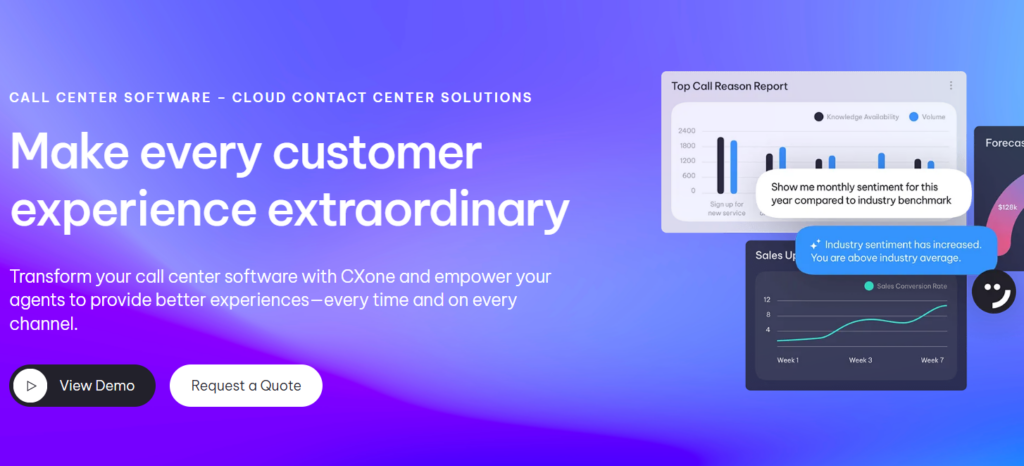
NICE CXone is a cloud-based contact center platform aimed primarily at larger organizations that need advanced customer experience capabilities across voice and digital channels. Its current positioning centers on being an AI-first CX platform that combines customer engagement, workforce tools, analytics, automation, and enterprise-grade security on a single cloud foundation.
Main Features
- Inbound and customer engagement capabilities built for enterprise-scale contact center operations.
- Omnichannel support across voice and digital interactions through a unified CX platform.
- AI-powered automation and agentic AI tools designed to help automate service and resolve customer journeys.
- Workforce empowerment tools that support employee performance and operational management.
- Reporting and dashboards with real-time and historical views, role-based visibility, and customizable performance tracking.
- Interaction analytics for omnichannel insight and performance analysis.
- Proactive outbound engagement capabilities with built-in compliance messaging in its outbound offering.
- Enterprise-grade security, compliance, resiliency, and multi-region cloud support.
- Prebuilt integrations, marketplace access, APIs, and SDKs for extending the platform.
Best For
NICE CXone is best for enterprise and upper mid-market organizations that need more than standard call handling. It is especially well suited for teams that want omnichannel customer engagement, AI-driven automation, workforce management, analytics, and strong compliance or resiliency support in one platform.
Pricing
NICE has packages that allow you to customize NiCE CXone pricing to your business needs, starting from $110.
Pros and Cons
| Pros | Cons |
|---|---|
| Strong enterprise-grade platform for complex contact center environments | Public pricing is not very transparent compared with vendors that publish seat-based plans |
| Broad coverage across AI, analytics, workforce tools, and omnichannel engagement | Likely more complex than smaller teams need for basic call center use cases |
| Emphasis on security, compliance, resiliency, and cloud scale | Evaluation may require more involved vendor discussions and scoping |
| Strong reporting, dashboards, and analytics story | |
| Integration ecosystem and developer support add flexibility |
CRM Integrations
NICE highlights a CXexchange marketplace, prebuilt integrations, and developer tools and APIs, which suggests a strong integration story for organizations that need the platform to connect with existing business systems. Its public materials position integrations as a core part of extending the platform rather than an afterthought.
Reviews
What I like best about NiCE CXone Mpower is its intuitive interface and smooth integration with daily workflows. It centralizes communication tools in one place, making it easier to manage customer interactions efficiently. G2 Review
Good experience, everyone we’ve worked with has been helpful. It’s the knowledge base that seems to cause confusion and/or new product features that don’t work as expected. Software Advice Review
5. RingCentral Contact Center
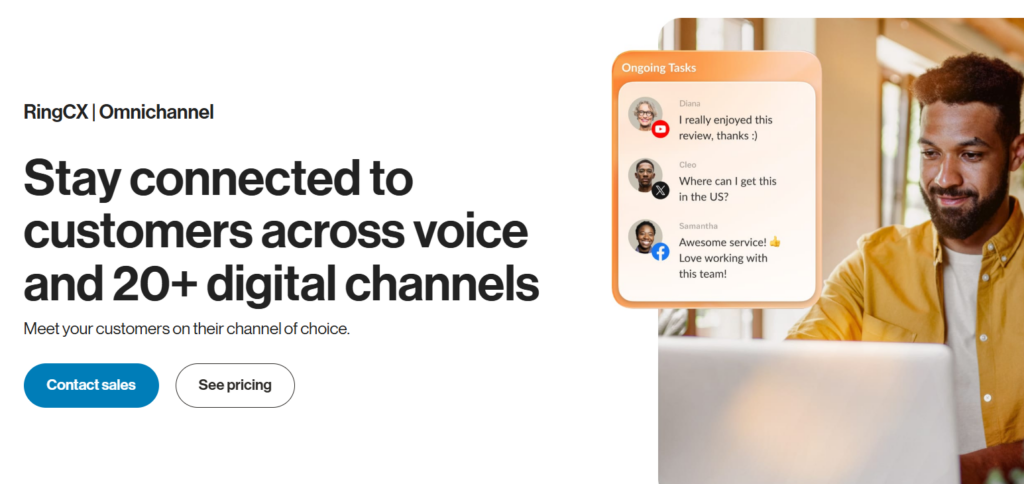
RingCentral’s contact center offering is currently positioned under the RingCX brand, an AI-first cloud contact center platform built for organizations that need more than standard business calling. Its messaging emphasizes omnichannel engagement, AI-assisted customer service, agent coaching, and faster deployment, making it a broader contact center solution rather than just a voice-only call center tool.
Main Features
- Omnichannel contact center functionality with support for 20+ channels through RingCX.
- Outbound dialing capabilities for proactive engagement and campaign workflows.
- AI-powered automation and assistance, including virtual agents, real-time coaching, and live AI guidance.
- Agent workspace tools designed to help teams manage customer interactions more efficiently.
- AI workforce engagement, AI quality management, and AI interaction analytics.
- Reporting and customer experience optimization capabilities tied to sentiment, case resolution, and performance improvement.
- Cloud deployment is positioned as easy to set up in days rather than weeks.
- AI add-ons and expandable capabilities depending on the selected plan.
Best For
RingCentral Contact Center is best for mid-market and enterprise teams that want a modern cloud contact center platform with omnichannel support, AI assistance, and stronger customer experience tooling than a standard phone system can provide. It is especially relevant for organizations that already think in terms of broader CX operations rather than just call handling.
Pricing
RingCentral has 4 plans that go from $65 with the basic features and +20 digital channels, to the Enterprise plan, which differs according to the needs of the company.
Pros and Cons
| Pros | Cons |
|---|---|
| Broad omnichannel support makes it stronger than a voice-only platform | Public pricing details appear less straightforward than vendors with clearly listed seat-based tiers |
| AI tools for coaching, analytics, and automation are a major part of the product story | May be more platform than a small team needs for basic call center workflows |
| Positioned for faster deployment than some heavier enterprise tools | Full cost likely depends on add-ons and selected capabilities |
| Good fit for teams that want contact center capabilities within a broader communications ecosystem | |
| Stronger CX orientation than a traditional business phone system |
CRM Integrations
RingCentral positions RingCX as part of a broader business communications ecosystem, and its enterprise contact center materials emphasize open integrations with CRM, ticketing, workforce management, and broader enterprise systems.
Reviews
The initial setup is very easy and self-explanatory, and many platforms already have plugins for RingCentral. G2 Review
I have used RingCentral since 2014, and I have been delighted with the service! TrustPilot Review
6. Talkdesk
Talkdesk is a cloud contact center platform positioned around AI-powered customer experience and enterprise service operations. Its current messaging emphasizes omnichannel engagement, automation, analytics, and scalable cloud deployment, making it a broader contact center solution rather than a simple voice-only call center tool.
Main Features
- Inbound, outbound, and cloud contact center capabilities built for customer-facing teams.
- Omnichannel support for customer engagement beyond voice.
- Advanced routing, monitoring, and reporting tools for contact center operations.
- AI-powered automation and workflow orchestration for service efficiency.
- Real-time dashboards and operational visibility for managers and supervisors.
- Call monitoring and remote management tools for quality assurance and agent oversight.
- No-code development and workflow tools for teams that need more flexibility without heavy custom engineering.
- Integrations with business tools including Salesforce, Zendesk, Shopify, Microsoft Dynamics, and others.
Best For
Talkdesk is best for mid-market and enterprise organizations that want a modern cloud contact center platform with strong omnichannel support, automation, and AI-enhanced service workflows. It is especially well suited for teams that prioritize customer experience, operational visibility, and the ability to scale service operations without relying on on-premise infrastructure.
Pricing
Talkdesk publishes starting pricing on its website, with contact center solutions listed as starting at $85 per seat per month. It also provides a plan comparison page, but buyers still need to request a quote to understand the exact edition, included capabilities, and full pricing for their use case.
Pros and Cons
| Pros | Cons |
|---|---|
| Strong cloud contact center platform with omnichannel and AI positioning | Full pricing is not as straightforward as vendors with clearly listed public plan tiers. |
| Broad integrations and workflow flexibility support more complex environments | Likely more platform than smaller teams need for basic voice-first workflows. |
| Real-time dashboards, monitoring, and reporting strengthen operational visibility | Exact costs and edition fit require vendor engagement. |
| Good fit for teams prioritizing customer experience automation and scalability | |
| No-code and automation capabilities can help reduce admin friction in larger environments |
CRM Integrations
Talkdesk highlights integrations as a major part of its platform and says it supports 60+ contact center software integrations. Its public materials specifically reference integrations with Salesforce, Zendesk, Shopify, Microsoft Dynamics, Zoho CRM, and other business systems, which makes it a strong option for teams that need connected customer context and automated workflows across platforms.
Reviews
Talkdesk has been useful in handling communication in a more structured way, especially when there are multiple interactions happening during the day. G2 Review
Talkdesk is fully cloud native and all features are built natively into the product, so UI/UX is much nicer and the price model is simpler and a little less expensive. Reddit Review
7. Dialpad
Dialpad’s call center offering is positioned primarily through Dialpad Support, its AI-powered cloud contact center product, alongside Dialpad Sell for sales outreach teams. Its overall platform messaging emphasizes AI-first communications, real-time transcription, live coaching, sentiment analysis, and cloud-based support operations, making it a broader contact center option than a standard voice-only phone system.
Main Features
- Inbound contact center capabilities including ACD, IVR, call routing, queue management, call recording, and call monitoring.
- AI-powered real-time transcription, sentiment analysis, and assist features for agents and supervisors.
- Live coaching and guidance tools that help agents respond during active calls.
- CRM and business tool integrations with platforms such as Salesforce, Zendesk, ServiceNow, Microsoft 365, Google Workspace, Zoho, and Microsoft Dynamics.
- Cloud-based deployment with support, sales, and communications products available on one platform.
- Optional workforce management on higher contact center tiers.
Best For
Dialpad is best for SMB and mid-market teams that want a cloud call center platform with strong AI assistance built into everyday workflows. It is especially well suited for support teams that value real-time coaching, automated transcription, and CRM-connected visibility, as well as sales organizations that also want call intelligence and coaching capabilities through the broader Dialpad platform.
Pricing
Dialpad publishes contact center pricing for Dialpad Support. According to its current pricing information, Essentials starts at $80 per user per month annually or $95 monthly, Advanced at $115 annually or $135 monthly, and Premium at $150 annually or $170 monthly, with Enterprise pricing available by quote.
Pros and Cons
| Pros | Cons |
|---|---|
| Strong AI-first positioning with transcription, sentiment, and live guidance built into the platform | Higher starting price than many simpler SMB-focused call center tools |
| Public pricing is available for contact center plans | Advanced functionality can push teams into higher-tier plans or quote-based enterprise discussions |
| Broad CRM and business app integration story | Maybe more platforms than a team needs if it only wants basic voice handling |
| Good fit for teams that want support, sales, and communications on one platform | |
| Strong coaching and call intelligence capabilities for both service and sales use cases |
CRM Integrations
Dialpad highlights native integrations with major business systems including Salesforce, Zendesk, ServiceNow, Microsoft 365, Google Workspace, Zoho, and Microsoft Dynamics. Its integration story is one of its stronger selling points, especially for teams that want call activity, transcripts, and contextual guidance to live inside the tools agents already use.
Reviews
AI gives pretty good answers as long as the required info is within Dialpad documents and it is straightforward. For resolving problems, AI tends to go kind of rogue, but it knows when is time to transfer the case to human support. G2 Review
I would give Dialpad a 9 out of 10 for their mobile apps. fairly intuitive, easy to use, allows most functions and features, Texting works well, call quality is not good on the app. Reddit Review